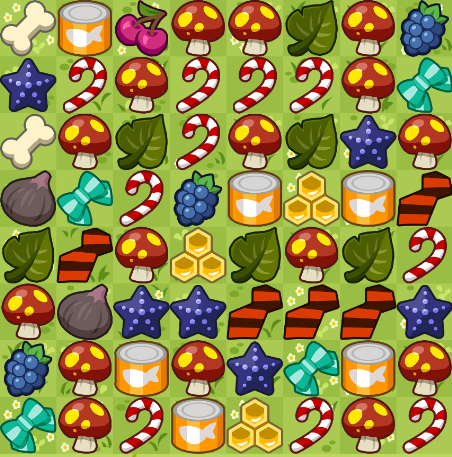
Option 1: Image Recognition
- Take a screenshot of the Critter Haven grid in Tap Titans 2.
- Go to the Image tab and upload the screenshot (or just paste it anywhere with Ctrl+V).
- Crop the image so only the grid blocks are visible (no borders or scores).
- Make sure the number of rows and columns (img-rows & img-cols) is correct before clicking Detect
Grid.
- Click Detect Grid.
Option 2: Manual Input
- Go to the Manual tab.
- Select the grid size (rows and columns).
- Select a block from the palette and click on the grid cells to recreate the board.
Solving
- Adjust the time limit (more time = better chance to find the perfect minimum-tap solution).
- Click Solve Grid.
- Use the playback controls (▶, ⏪, ⏩) to see the step-by-step solution.